Find the right part, then let the shop check the fit
Start with the part name, code or OEM number you have.
Ask about fitment, price and ordering on LINE.
No code yet? Choose by system · How to choose a part · Browse by picture · Start from your model/generation
Search 27,386 parts · 13 brands · 97 models
Find your part
Start from what you know best — every path leads to the same parts list
Choose by system
Search partsPick a system of your vehicle and see where each part sits — no need to know the part name.


Brakes
2,850 items →
Noisy brakes / weak braking
Parts in this systemDisc brake padBrake discBrake master cylinderWheel cylinderDrum brake liningBrake drum
Parts by vehicle model
All modelsPick a model/generation to see the parts linked to it
ⓘ
Counts are not a fitment guarantee — have the shop check the year and details again · Generation labels (model years) = parts verified against the catalog
TOYOTA30
ISUZU13
HONDA11
HINO11
MITSUBISHI16
NISSAN25
MAZDA9
CHEVROLET7
FORD5
SUZUKI5
HYUNDAI2
MG3
DAIHATSU1
ACV30 / ACV4094
ISUZU
13 models · 3,816 itemsD-MAX 2 generations1,288
TFR ("Golden Dragon") 1 generation710
DECA 2 generations697
NPR / NKR / NQR 4 generations476
ROCKY 1 generation280
JUMBO 1 generation95
JCM 1 generation71
FORWARD 2 generationsChoose generation
All models (5 more)
KBZ 1 generation53
FXZ / GXZ 3 generations46
MU-7 / MU-X 2 generations9
TROOPER 1 generationChoose generation
HONDA
11 models · 2,135 itemsCIVIC 8 generations674
CR-V 4 generations419
CITY 5 generations398
ACCORD 7 generations357
JAZZ 3 generations198
HR-V 1 generation52
BRIO 1 generation20
FREED 1 generation3
All models (3 more)
HINO
11 models · 1,574 itemsMEGA 1 generation551
FM / FM3M / FM2P 4 generations180
VICTOR 1 generation116
FB / FC 3 generationsChoose generation
F18 1 generation57
DUTRO 2 generations54
KT / KT725 1 generation52
KM 1 generationChoose generation
All models (3 more)
MITSUBISHI
16 models · 1,563 itemsTRITON 2 generations543
FN527 / FN627 (Fuso) 2 generations230
CYCLONE 1 generation127
MIRAGE 1 generation120
STRADA 1 generation101
LANCER / CEDIA 3 generations81
PAJERO 2 generations68
L200 1 generation61
All models (8 more)
E-CAR 1 generation46
GALANT 2 generationsChoose generation
PAJERO SPORT 2 generationsChoose generation
CANTER 2 generations12
SPACE WAGON 1 generationChoose generation
ATTRAGE 1 generationChoose generation
CHAMP 1 generationChoose generation
NISSAN
25 models · 1,526 itemsBIG-M 1 generation322
NAVARA 2 generations257
MARCH 1 generation177
NISSAN DIESEL (UD) 10 generationsChoose generation
SUNNY B11/B13/B14 6 generations116
SYLPHY / NEO 2 generations94
CEFIRO 3 generationsChoose generation
TIIDA 1 generation62
All models (17 more)
TEANA 2 generations46
FRONTIER 1 generation41
ALMERA 1 generation23
URVAN E24 4 generations23
BLUEBIRD 4 generationsChoose generation
X-TRAIL 3 generations9
NV 1 generationChoose generation
PULSAR 1 generationChoose generation
JUKE 1 generationChoose generation
LIVINA 1 generationChoose generation
MURANO 2 generationsChoose generation
NOTE 1 generationChoose generation
PRIMERA 1 generationChoose generation
720 1 generationChoose generation
PRESEA 1 generationChoose generation
MAZDA
9 models · 606 itemsBT-50 1 generation244
MAZDA 2 2 generations138
MAZDA 3 3 generations109
MAGNUM / THUNDER 1 generation50
CX-3 / CX-5 2 generations38
FIGHTER 1 generation23
BT-50 PRO 1 generationChoose generation
CX-3 1 generationChoose generation
All models (1 more)
TRIBUTE 1 generationChoose generation
CHEVROLET
7 models · 315 itemsFORD
5 models · 246 itemsSUZUKI
5 models · 236 itemsHYUNDAI
2 models · 110 itemsMG
3 models · 18 itemsDAIHATSU
1 models · 17 itemsBrowse by picture
See more 140 types →Tap a picture to see every part of that type
 Engine oil /
 Engine oil filter
 Oil seal
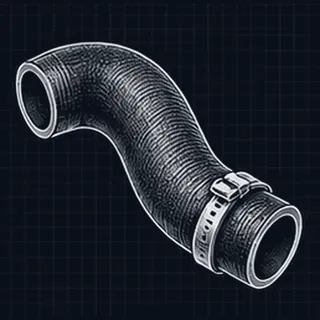 Rubber hose
 Bushing
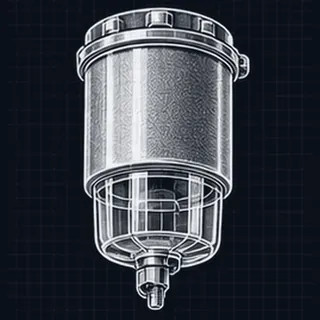 Diesel filter /
 Drive belt
 Fluids /
 Bearing
 Valve cover gasket
 Dust boot
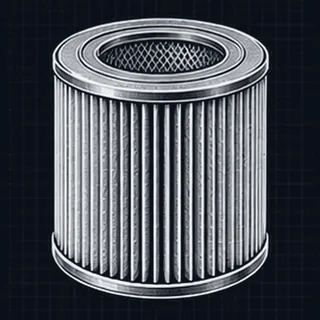 Air filter
 Engine mount
 Wheel bearing
 Disc brake pads
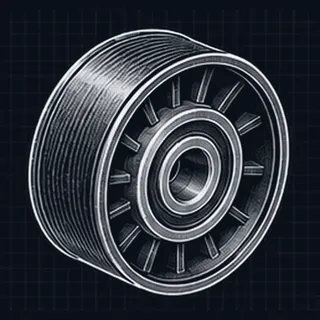 Idler /
 Shock absorber
 Cylinder head gasket
 Tie rod end /
 Wheel cylinder
How to choose a part
No need to know the part's name. Start with the number on your old part, then compare photos and car models before messaging the shop.
-
1
Find the number on the old part
Check the part itself or its original box label — the part number or OEM number is usually printed there. Take a photo of it too.
-
2
Search by number, or pick a category
Type the number into the search box. If you can't find a number, tap a category below and browse by photo.
Or pick a category
-
3
Compare the photo and fitting models
Compare the product photo with your old part, then check that your car model and year are in the list of fitting models.
Choosing on the website does not confirm that a part fits. Send a photo of your old part or ask the shop on LINE so we can check the model before every order.
Not sure which part fits? Let the shop check
Send a photo of the old part, or tell us the car model and year — we check the fit before every order · Mon–Sat 8:00–18:00 · Sun 8:00–15:00
Featured products
Products with photosCheck the photo, name and code before opening the details or asking about an item.
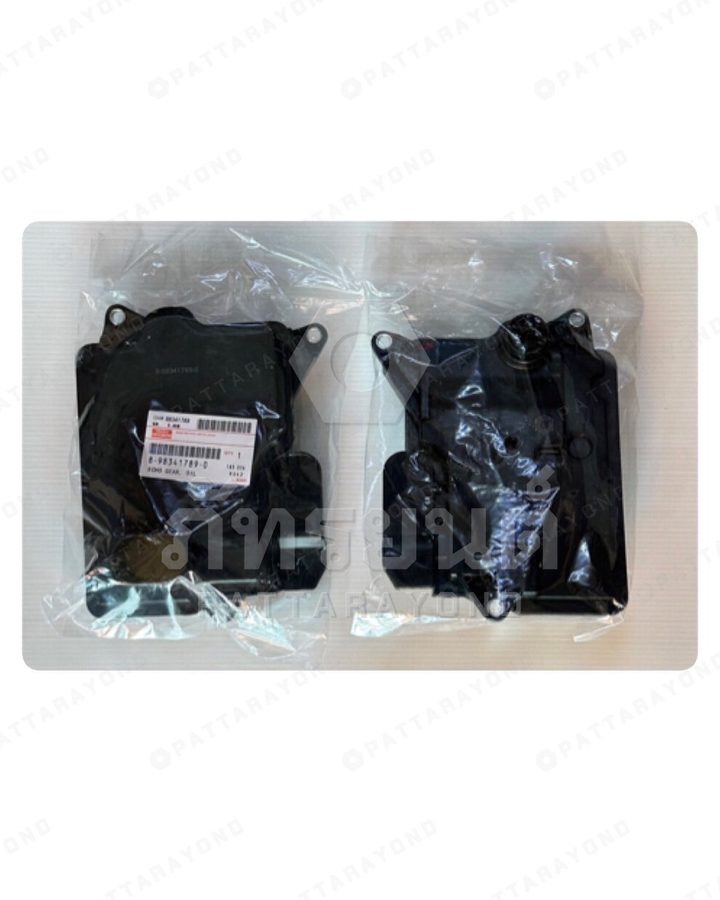
Automatic Transmission Filter
OEM 8-98341789-0
Real photo from our shop · ISUZU
THB 760Can orderView details →
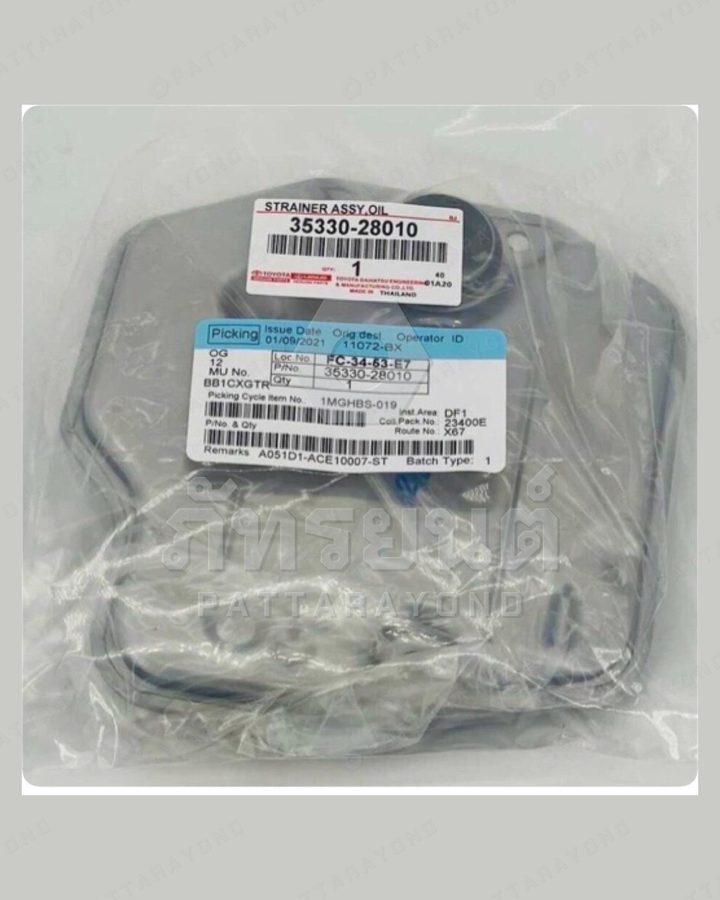
กรองเกียร์ออโต้ TOYOTA ACR30 ANE11 ESTIMA WISH 2.0
OEM 35330-28010
Real photo from our shop · TOYOTA
THB 760Can orderView details →
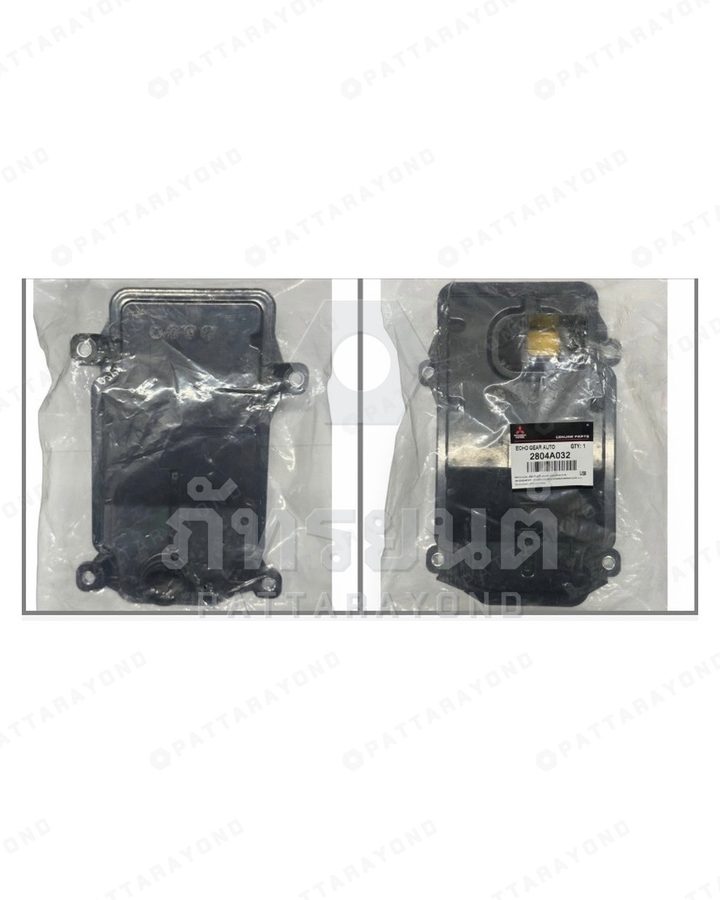
กรองเกียร์ออโต้ MITSUBISHI ALL NEW TRITON PAJERO 2015-20
OEM 2804A032
Real photo from our shop · MITSUBISHI
THB 650Can orderView details →
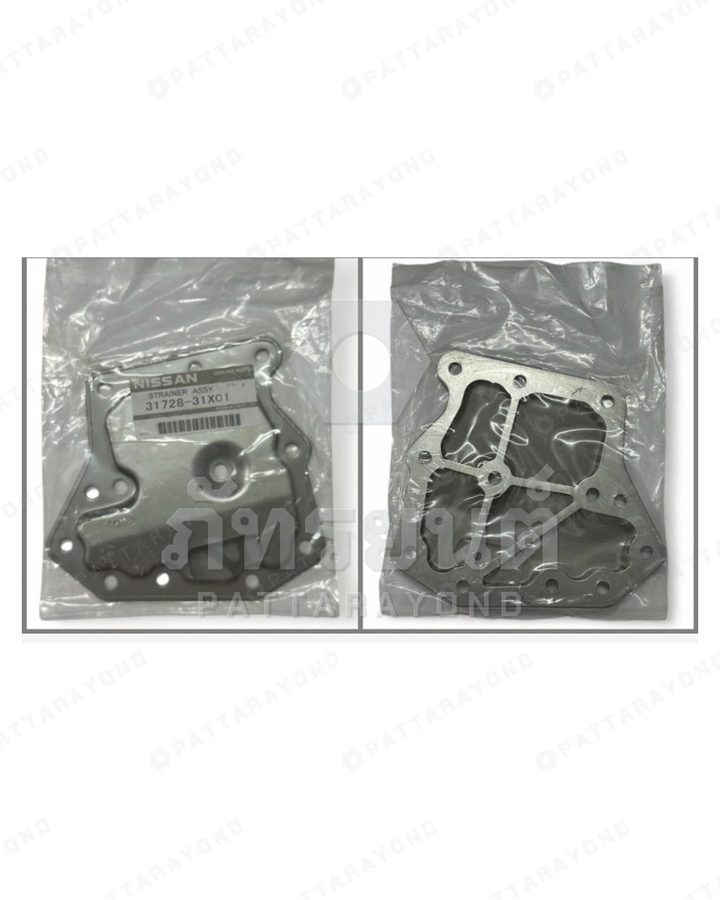
กรองเกียร์ออโต้ NISSAN B13-14 NV NEO TIDA
OEM 31728-31X01
Real photo from our shop · NISSAN
THB 520Can orderView details →
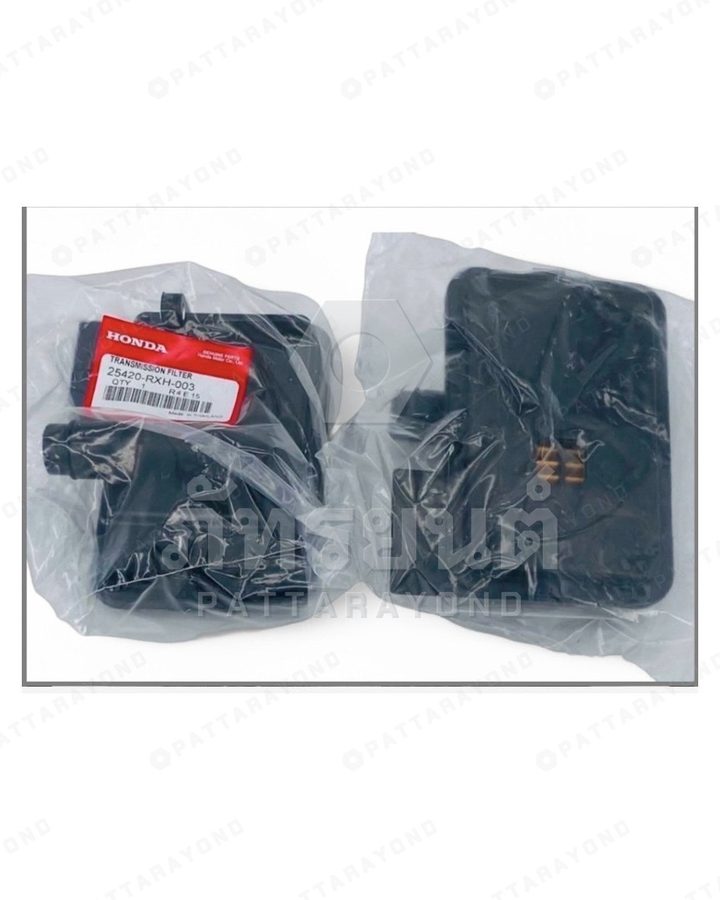
กรองเกียร์ออโต้ HONDA ACCORD CRV 2008-2013
OEM 25420-RXH-003
Real photo from our shop · HONDA
THB 580Can orderView details →
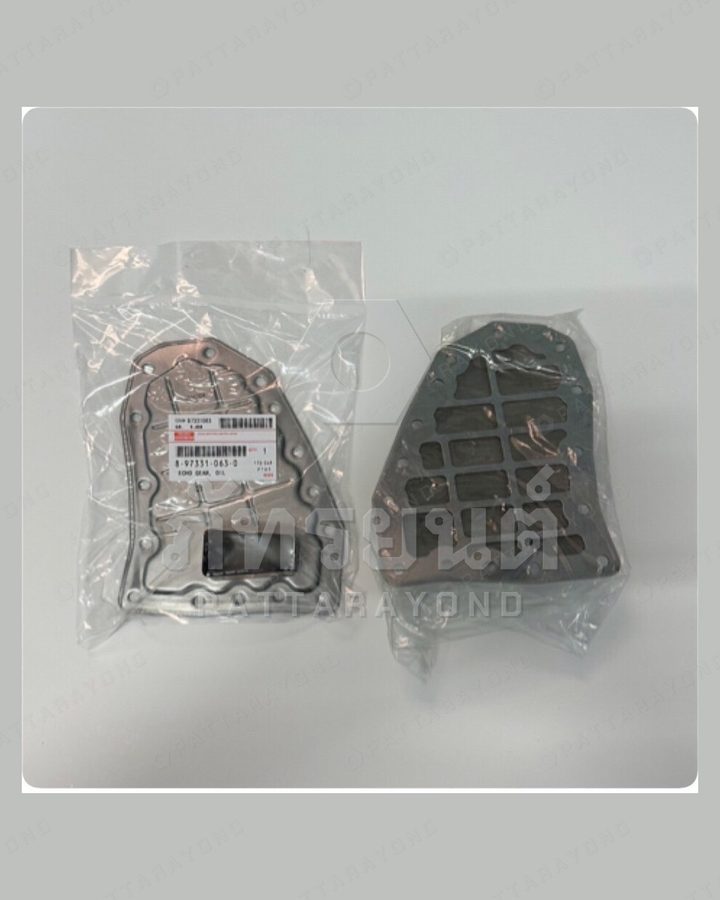
กรองเกียร์ออโต้ ISUZU D-MAX ALL NEW 2012
OEM 8-97331063-0
Real photo from our shop · ISUZU
THB 420Can orderView details →
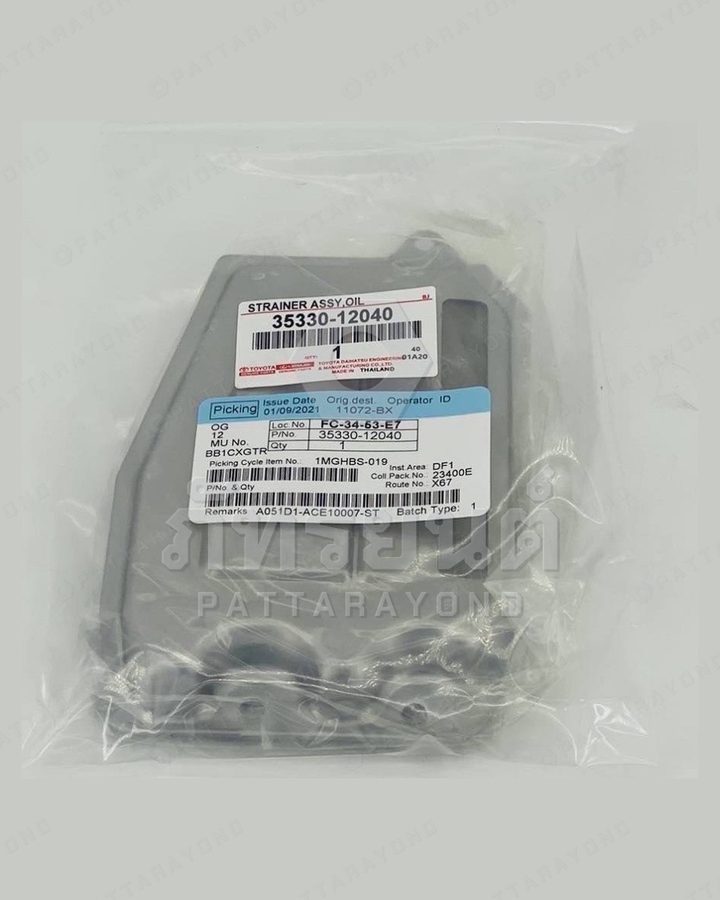
กรองเกียร์ออโต้ TOYOTA ALTIS 2002-07 ZZE121 LIMO
OEM 35330-12040
Real photo from our shop · TOYOTA
THB 500Can orderView details →
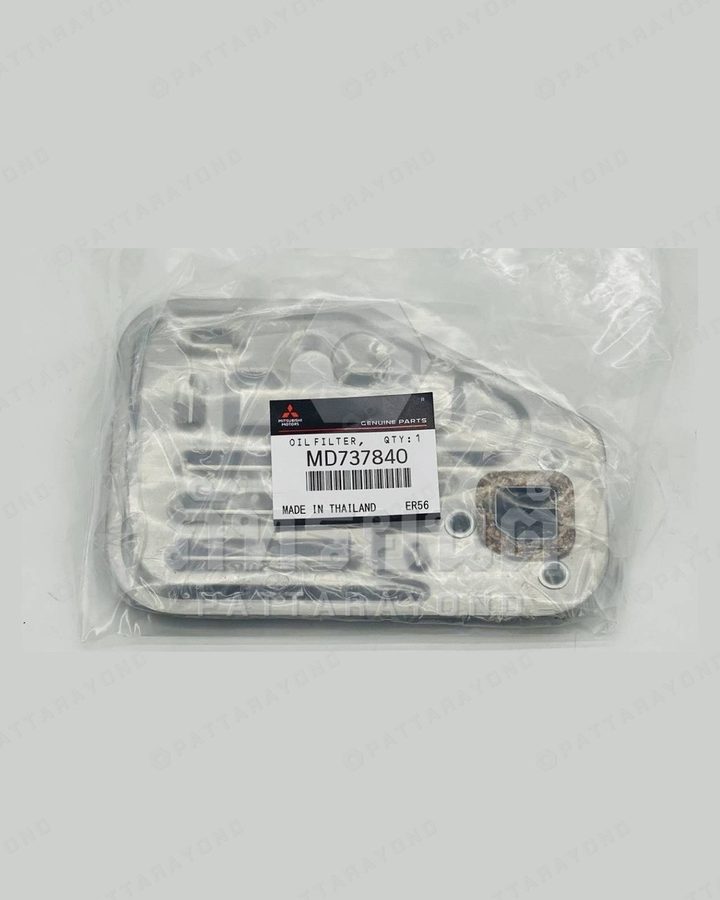
กรองเกียร์ออโต้ MITSUBISHI E-CAR'94 4SPEED GALANT E33'87-94
OEM MD737840
Real photo from our shop · MITSUBISHI
THB 460Can orderView details →
How to order
Read the detailsFrom the item you want to the details the shop uses to check it — you can ask without following this example first.
-
Tap to ask about the item
Check the photo and code of the item you want, then tap its ask button to go to LINE.
Compare with the old part · product name · code / OEM -
Prepare your message
Give the item name or link, your vehicle's make/model/year and the part you need to replace. Attach a photo of the old part and its label so the shop has what it needs to check.
Words in the blue boxes are placeholders — replace them with your own details -
The shop checks and confirms
The shop checks fitment, price, the item and shipping before you agree on the order and payment.
Choosing a model on the website is not a confirmation that the part fits.
Contact Pattarayond
Not sure which part it is? Send what you have and the shop will check it from the photos and vehicle details.
- A photo of the whole part and where it's fitted
- Clear photos of the label, part number, connectors or mounting holes
- Make, model and year, plus any other details you know